Your script is the starting point
Paste a finished story, a short explainer, or a motivational script. Start with the words you want narrated, then choose the look and voice in the creator.
Faceless.video’s text to video AI generator turns your finished script into a faceless video with AI voiceover, generated image scenes, and captions. Paste a story, explainer, or motivational script, then choose your voice and visual style in the creator. Make vertical videos for YouTube Shorts, TikTok, and Instagram Reels without filming yourself or recording narration.
Paste your finished script, or start with an example and make it your own.
Bring the words you want narrated. Choose the look and voice in the creator, then generate your video.
Add the words you want your video to say.
Pick the voice, visuals, and captions you like.
Make one video or schedule a series for your channels.
Turn your script into a video for your faceless YouTube channel, complete with AI narration, visuals, and captions.
Paste a finished story, a short explainer, or a motivational script. Start with the words you want narrated, then choose the look and voice in the creator.
Faceless.video matches your words with a voice, visuals, and captions. Choose the finishing touches, then create your video.
Use a short explainer to unpack an idea, a motivational script to share a lesson, or a fictional story to introduce a twist. Start with an example above or paste your own finished narration.
Make a single video for your next post, or configure a recurring series in the creator. Review the available delivery options and connect a supported social account when you are ready to publish.
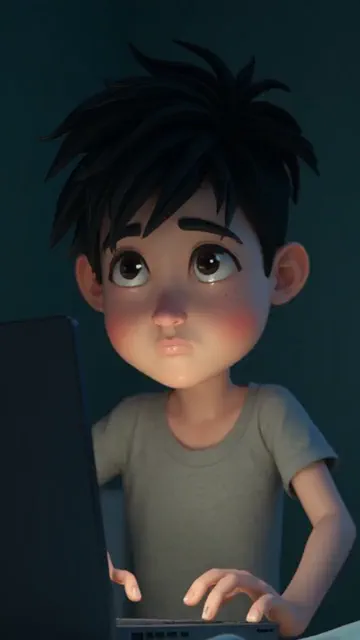
This image illustrates a visual style for AI image stories. Your script guides the narration, while your choices in the creator shape the scenes and presentation.
It turns written text into a video with narration, matching visuals, captions, and music. You start with the words and choose the final style.
Paste your script, choose a voice and visual style, and create your video. Your words become the narration.
Yes. Paste your finished script and it will be used as the narration for your video.
Yes. Faceless.video pairs your script with an AI voiceover, matching scenes, and timed captions.
Yes. Videos are made to fit TikTok, YouTube Shorts, and Instagram Reels.
Yes. Connect a supported social account and choose when you want your video to post.
Still have a question? Get in touch
Choose the starting point that fits your content. Each tool takes your idea into the Faceless.video creator.
Choose your content, connect your social account, and set a daily schedule. Faceless.video automatically creates and posts a new video every day, keeping your channel active while you focus on other things.
Start with a script, story idea, character, or first-person scenario. Explore more video styles in the creator and choose the format that fits your content.
Set up a series, choose a daily schedule, and let Faceless.video keep creating videos for your channel automatically. You can review and edit the drafts whenever you want to add your own touches.
Connect your TikTok, YouTube, or Instagram account and enable auto-posting. Faceless.video creates and publishes videos on your daily schedule, so your channel keeps posting without a daily upload. Scheduling and connected-account options depend on your plan.